Apple Watch Repair
Get your Apple Watch fixed the easy way
You can either mail your device to us or visit our store for a repair.

Book Repair
- No upfront cost - (optional)
- UK mainland - nationwide coverage
- Repairs are completed within 1-3 days.
- Free diagnostic


Send Your Device
- No upfront cost - (optional)
- UK mainland - nationwide coverage
- Repairs are completed within 1-3 days.
- Free diagnostic


Send Your Device
- No upfront cost - (optional)
- UK mainland - nationwide coverage
- Repairs are completed within 1-3 days.
- Free diagnostic
How long does it take?
For more detailed information, check out our FAQs page

Monday
Buy Your device and post via next day services


Tuesday
We receive your device

Wednesday
We repair and return your device

Thursday
you receive your device back
Select Your Apple Watch Model to Book a Repair
Need help finding your model?How to Find Apple Watch Model?
Here are the steps to find your Apple Watch model
There are two easy methods to find your Apple Watch model.
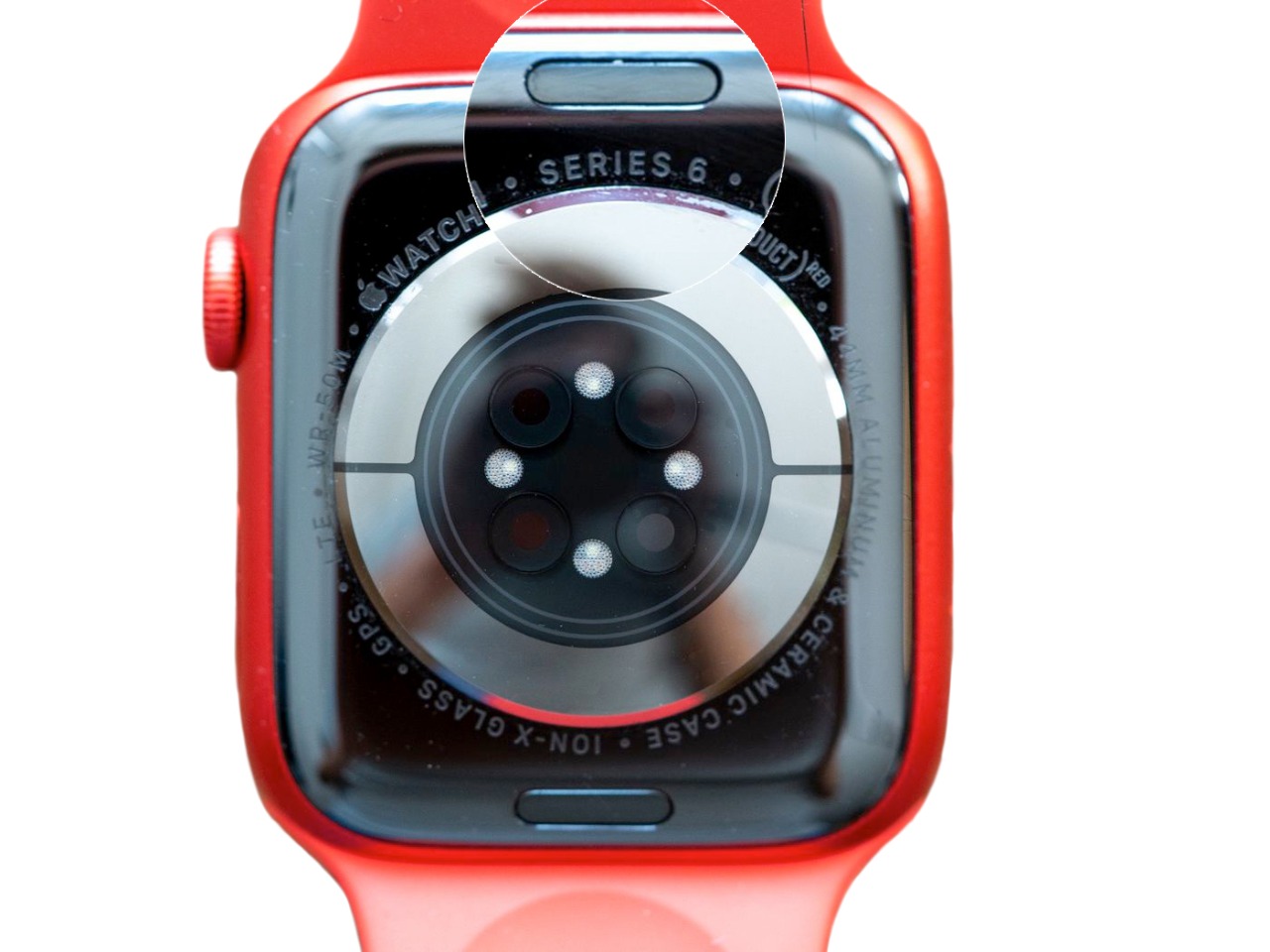
Method 1: Check the back of your Apple Watch
- The rear of every Apple Watch is engraved with details about the watch. Simply look at the back of the watch, and you'll discover which Series you own. However, if you possess a Series 1 Watch, you will only see the Apple logo with 'WATCH' beside it. The watch will also feature the case size of your specific model engraved on the back.
Method 2: Identify your Apple Watch with your iPhone
- Open the built-in Apple Watch app on your iPhone
- Go to, My Watch > General > About > Model
- Scroll down to the Model field, where you’ll find a model number beginning with M.
- Tap the Model number and you’ll see this change to a model number beginning with “A” followed by four numbers and no slash (for example, A1803) This is the model number of your Apple Watch.
| Model Name | Model Number |
|---|---|
| Apple Watch S1 | A1802, A1803, A1553, A1554 |
| Apple Watch S2 | A1757, A1758, A1816, A1817 |
| Apple Watch S3 | A1858, A1859, A1860, A1861, A1889, A1891, A1890, A1892 |
| Apple Watch S4 | A1977, A1978, A1975, A1976, A2007, A2008 |
| Apple Watch S5 / SE | A2092, A2093, A2156, A2157, A2094, A2095, A2092, A2093, A2351, A2352, A2353, A2354, A2355, A2356 |
| Apple Watch S6 | A2291, A2292, A2293, A2294, A2375, A2376 |
| Apple Watch S7 | A2473, A2474, A2475, A2476, A2477, A2478 |
| Apple Watch S8 | A2773, A2775, A2772, A2774, A2857, A2858 |
| Apple Watch SE 2 | A2722, A2723, A2724, A2725, A2726, A2727 |
| Apple Watch Ultra | A2622, A2684, A2859 |

Apple Watch Series Ultra

Apple Watch Series 1

Apple Watch Series 2

Apple Watch Series 3

Apple Watch Series 4

Apple Watch Series 5

Apple Watch Series 6

Apple Watch Series SE

Apple Watch Series 7

Apple Watch Series SE 2022

Apple Watch Series 8

Apple Watch Series 9

Apple Watch Series Ultra 2

Apple Watch Series 10
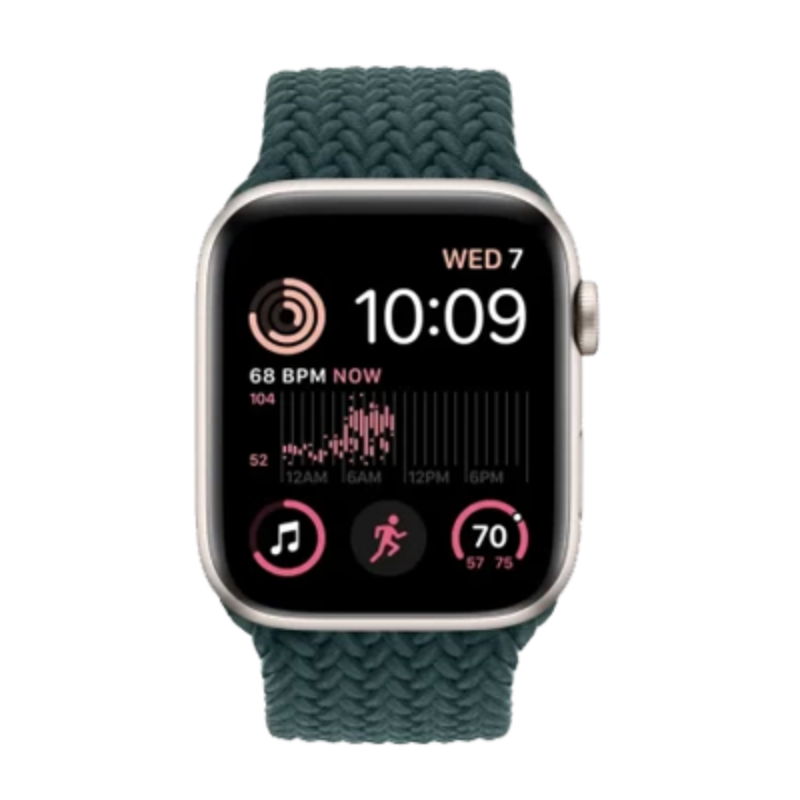
Apple Watch Series SE 2025
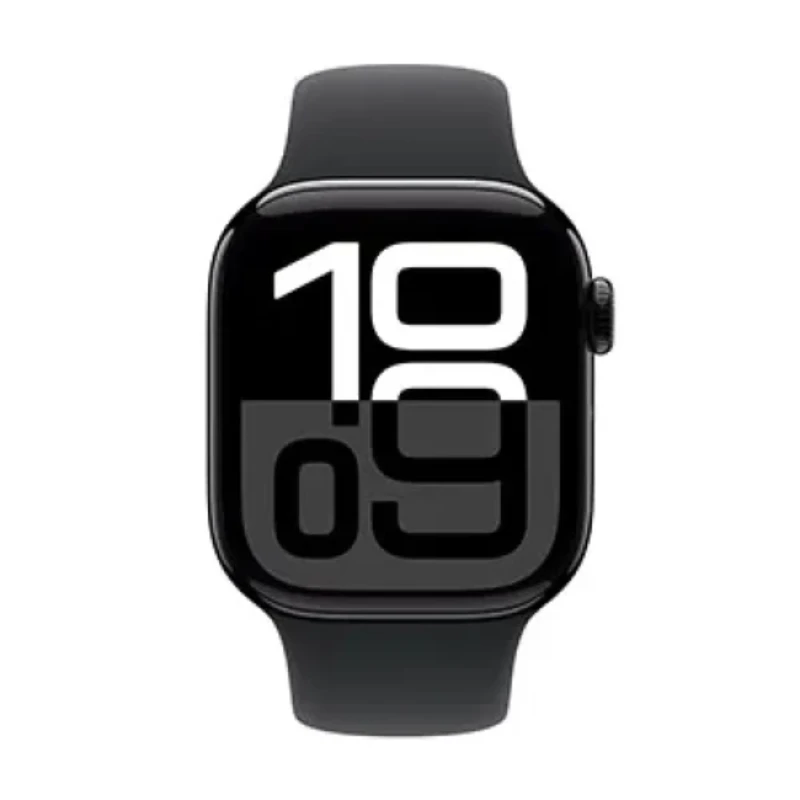
Apple Watch Series 11
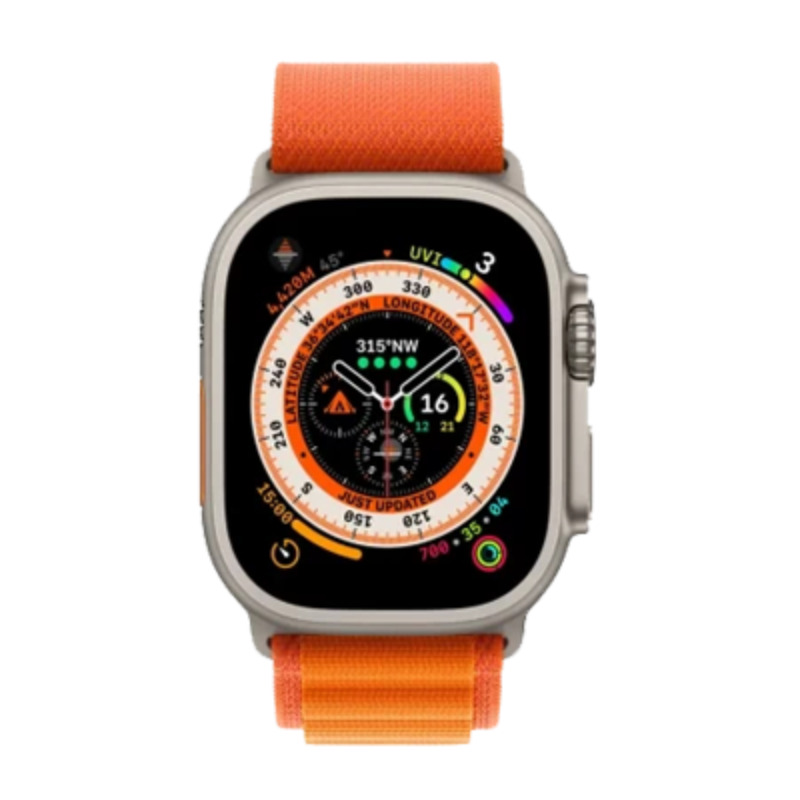
Apple Watch Series Ultra 3
Frequently Asked Questions About our Apple Watch Repair
For more detailed information, check out our FAQs page
If you're unsure which service is right for your issue, feel free to Send us a message on WhatsApp, or email at info@iwatchrepair.co.uk
Our team is here to assist you!
The cost of repairing your Apple Watch screen varies depending on the model of your device. You can find the model number engraved on the bottom of your Apple Watch.
We will repair and return your device within 1-3 days from the day we receive it. However, complex repairs may require more time.
You will find an estimated repair timeframe for your specific order during checkout.
If you are a local customer, you can walk into our store.
You can usually have your Apple Watch screen fixed within 2 hours if you can drop off your device before 2 pm. However, we may need more time for complex repairs.
If you are on a busy schedule or traveling from a distance, we can do your repair while you wait, which typically takes 1-2 hours.
You need to pre-book your repair online and confirm your arrival time with one of our staff members. This will allow us to make necessary arrangements before you arrive, ensuring a smooth and efficient service.
Our address is 23 Whitechapel Road, London, E1 1DU..
If we can't fix your device, we will return it for free and give you a full refund. We operate on a No Fix, No Fee policy.
Batteries are considered consumables and degrade over time. On average, you can expect the battery capacity to drop by about 10% each year, depending on usage habits. For most users, the battery lifespan is typically around 2 years.
As your Apple Watch ages, you may notice it becoming slower and the battery draining faster. If your Apple Watch struggles to maintain high screen brightness, dies quickly, or isn't performing at its best, it’s likely time for a battery replacement.
After ordering your Apple Watch battery repair service online, follow the on-screen instructions. Then, send your device to our repair centre.
You can also find detailed instructions in your order confirmation email.
Send your device to our repair centre at:
- iWatchRepair
- 23 Whitechapel Road,
- London
- E1 1DU
For more help, our customer service team is here to assist you with any questions you may have.
Please call us on 020 8064 2362,Send us a message on WhatsApp or email at info@iwatchrepair.co.uk
Your Apple Watch is in good hands
Don’t leave important repairs to just anyone, For over 12 years. iWatchRepair has repaired the devices people rely on most. And we have the reviews to prove it.

5
Series 5 44mm
It's tricky finding someone to replace the glass on an Apple Watch, no one seems to want to do it, but eventually, I discovered iWatchrepair. I left my watch with them at 9 am and collected it at 4 pm; I think that that is excellent service.

5
Series 6 40mm
I sent my Apple Watch to iWatchrepair on Wednesday, with a shattered screen and it arrived back in the post 3 days later, on Saturday! Kept me notified at each stage of the process and when it had been dispatched. Excellent service, I would recommend them without a shadow of a doubt

5
Series 7 45mm
Was anxious about having to pay upfront and send my Apple watch away for repairs, but they were efficient, speedy and kept me up to date! I would definitely recommend it as the quotes I was getting elsewhere to fix my screen were almost the same value as the watch itself.

5
Series 8 41mm
This shop saved me hundreds. I had a cracked Apple Watch screen I paid on the website and posted it to them. In a few days that posted it back like new. They did text message the process of receiving, fixing and posting back. Genuine legitimate company..